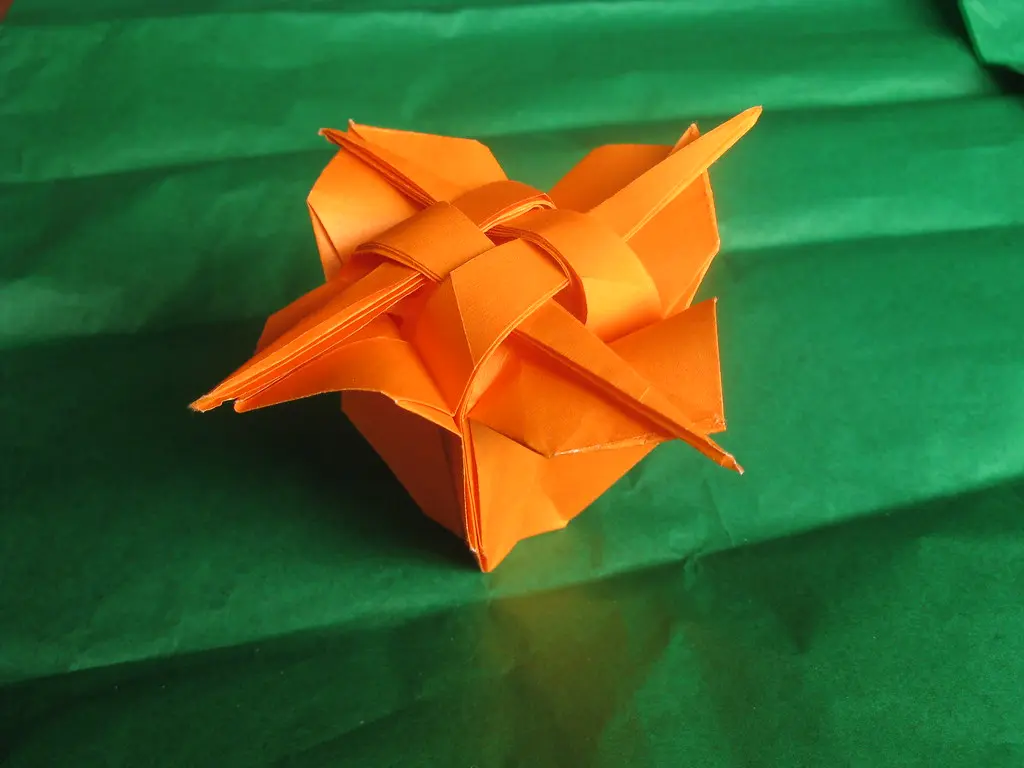
I still remember unfolding a crane I'd spent twenty minutes on, only to find one wing twice the size of the other. That crooked little bird taught me more about folding than a dozen perfect ones ever could.
Almost every folder makes the same handful of beginner origami mistakes early on. This guide walks through the most common ones, why they happen, and exactly how to fix them.
This article is Part of Getting Started with Origami, so if you're new to the craft, you're in the right spot.
Why Beginners Hit the Same Snags
Origami looks forgiving because it's just paper. But small errors compound fast. A crease that's off by two millimeters on fold three can throw an entire model off by step fifteen.
I've folded thousands of sheets over the years, from wobbly first cranes to modular stars that took a full evening to lock together. The mistakes never really change. They just get sneakier as models get more complex.
This list covers the most common origami mistakes to avoid, along with simple origami troubleshooting for beginners that actually works.
What You'll Need to Practice Fixes
Before troubleshooting, it helps to have the right basics on hand.
|
Item |
Why It Helps |
|
Origami paper (kami) |
Holds creases cleanly, unlike thick paper |
|
Flat, hard surface |
Prevents warped or uneven folds |
|
Diagram book or app |
Lets you double check confusing steps |
|
Bone folder (optional) |
Presses creases sharp and flat |
Real kami paper solves more problems than people expect. A surprising number of "bad folding" issues are actually just paper that's too thick to cooperate.
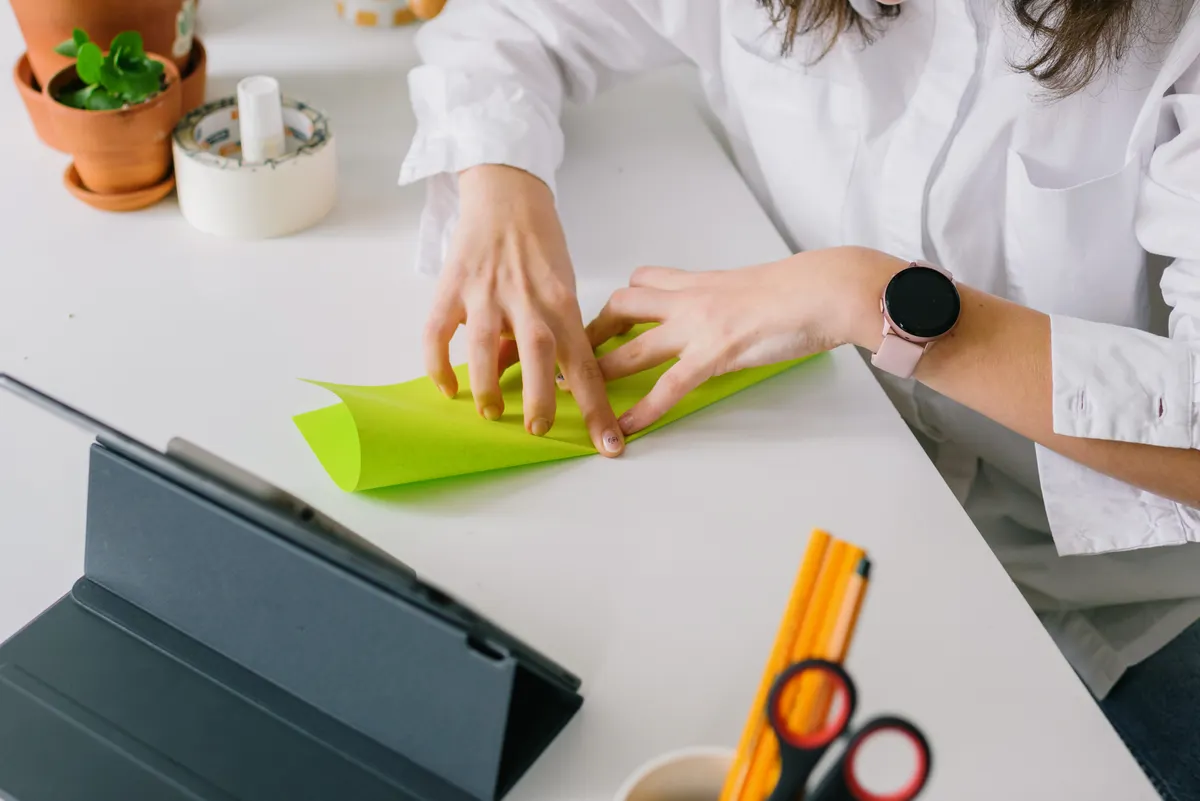
Photo Credit: Ksenia Chernaya
Mistake 1: Folds That Don't Line Up
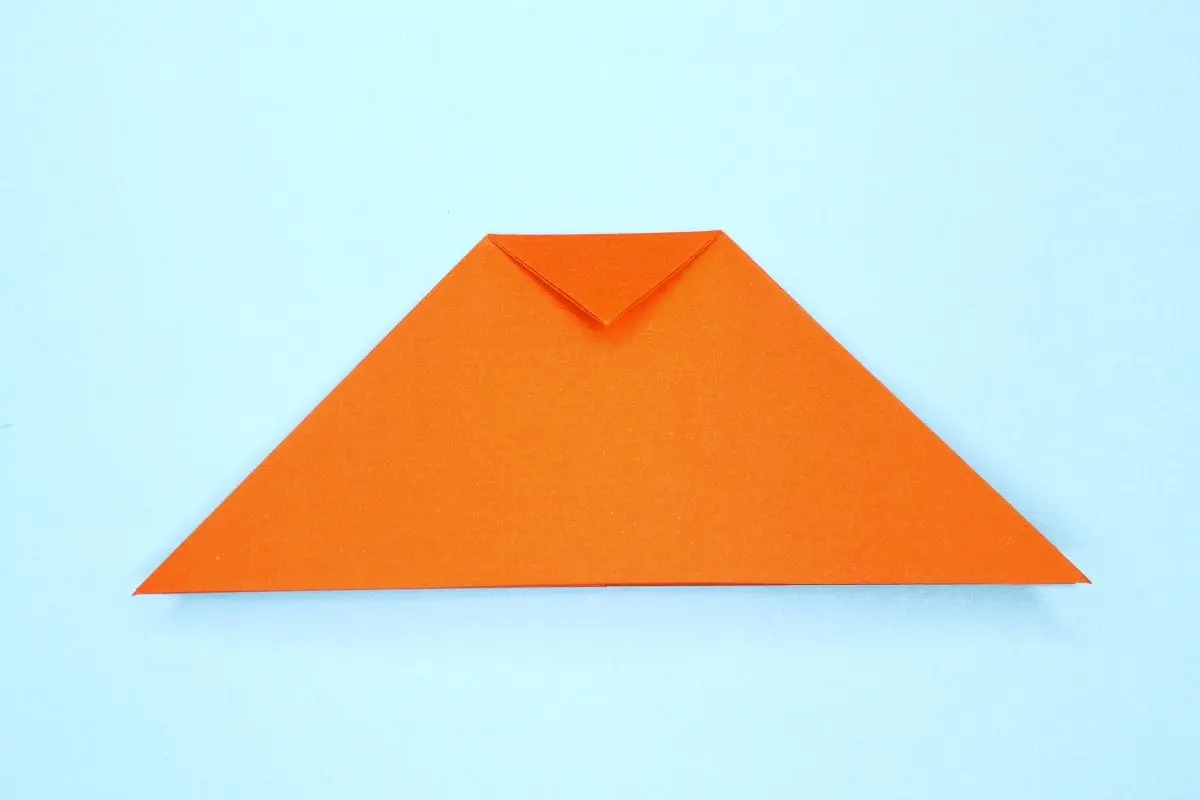
This is probably the most common complaint from beginners, and it usually comes down to one thing: starting corners weren't aligned in the first place.
Why Do My Folds Not Line Up?
If your edges look close but not exact, check your very first fold. Origami is unforgiving that way. An error at step one grows bigger with every fold that follows it.
Fix it by:
- Unfolding back to your starting square.
- Lining up corners exactly, checking both sides.
- Pressing the crease flat only after confirming alignment.
- Re-creasing firmly once everything matches.
Rushing that first fold is the single biggest cause of misaligned models. Slow down there, and everything downstream gets easier.
Mistake 2: Messy, Soft Creases
A soft, rounded crease might look fine in the moment, but it causes real problems once a model has several layers stacked together.
How Can I Make Cleaner Origami Creases?
Clean creases come down to pressure and technique, not just effort.
- Fold, then press firmly along the entire line, not just the center.
- Use a bone folder if you have one, running it along the crease to flatten it completely.
- Avoid dragging your finger too fast. A slow, deliberate press works better than a quick swipe.
- Re-crease stubborn folds rather than forcing the next step over a weak line.
I always tell beginners that a crease isn't done until it lies flat on its own, without you holding it. If it springs back up, press it again.
Mistake 3: Asymmetrical Models
Nothing's more frustrating than finishing a crane and noticing one side just doesn't match the other.
Why Does My Model Become Asymmetrical?
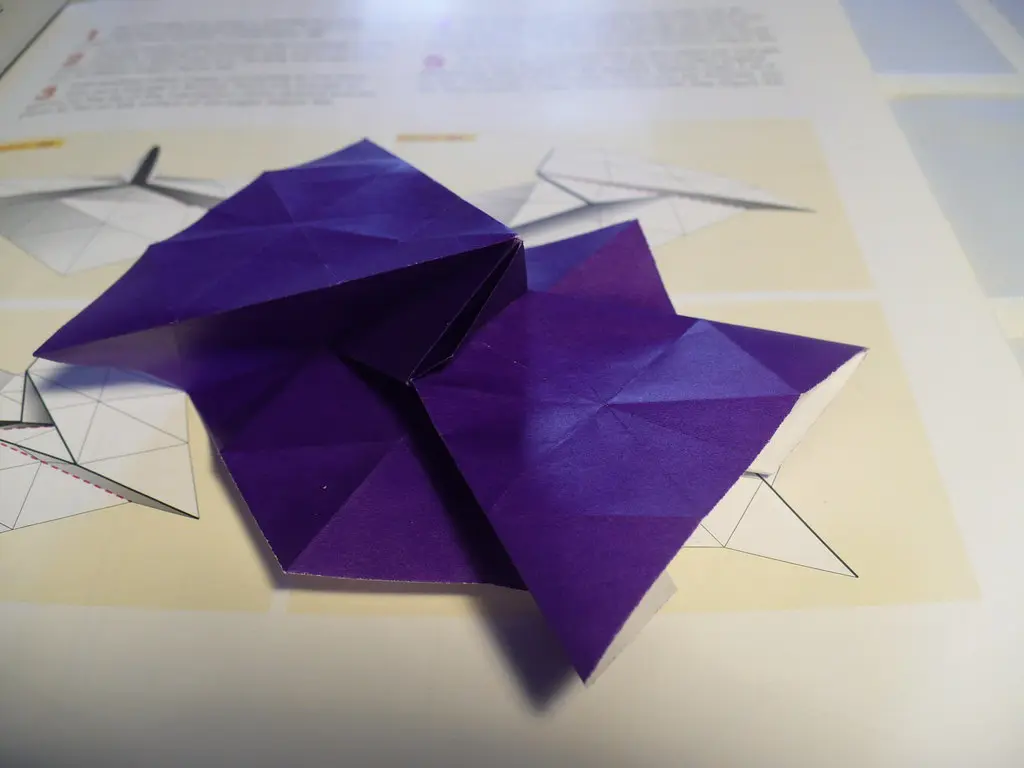
Asymmetry almost always traces back to a squash fold or petal fold that wasn't centered correctly. If one side got squashed slightly off center, every fold built on top of it inherits that same lean.
As folders often say, the paper never lies. It only shows you exactly where a fold went wrong.
That's especially true here. An asymmetrical model isn't bad luck. It's the paper showing you exactly which earlier step needs another look.
For a deeper look at why models drift off balance and how to catch it early, the Why Does My Origami Model Look Uneven? guide breaks this down step by step.
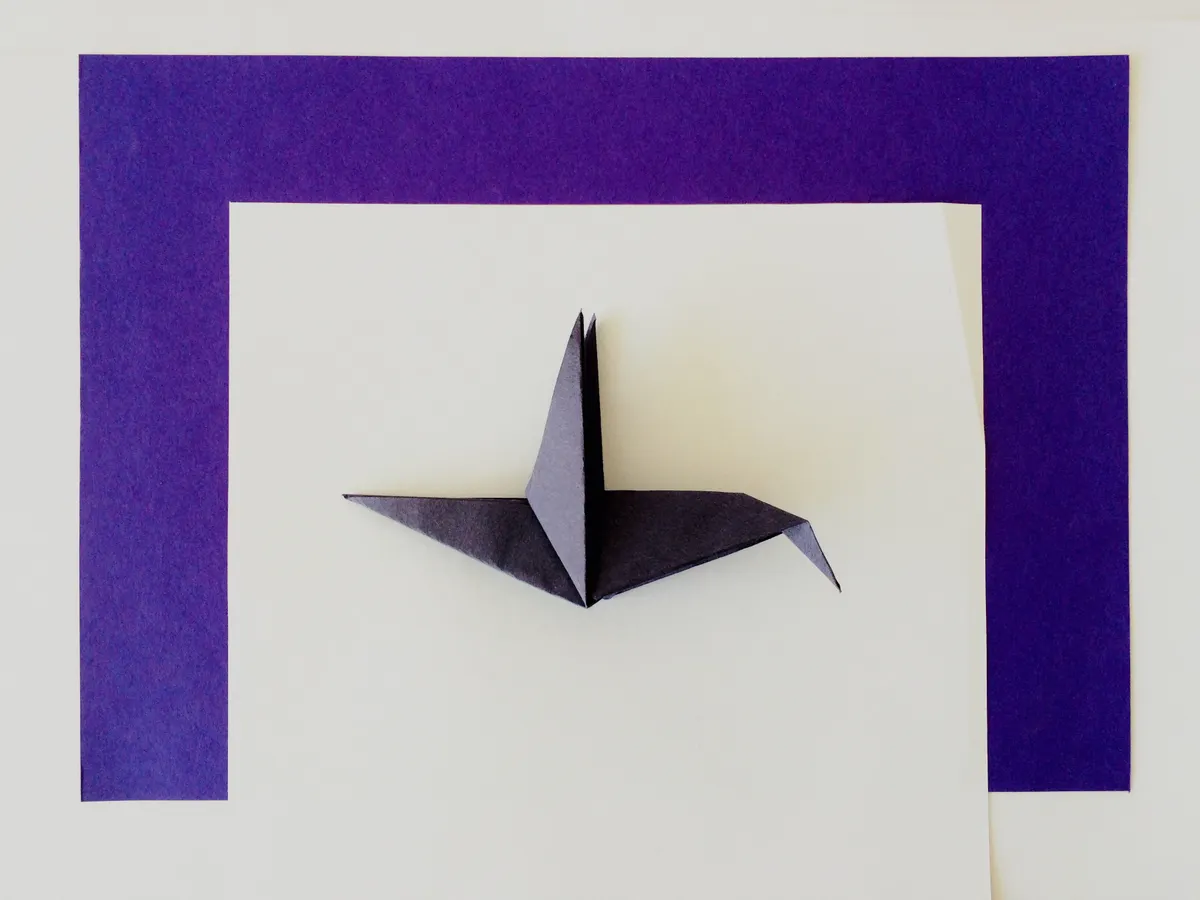
Photo Credit: Capped X
Mistake 4: Tearing the Paper
Torn paper usually means one of two things: the paper was too thin for that many layers, or a fold was forced instead of guided.
How Can I Avoid Tearing Paper While Folding?
- Use proper kami paper, not flimsy printer paper, for models with many layers.
- Never force a fold that resists. Stop and check whether an earlier step was skipped.
- Pre-crease before reverse folds. Skipping this step is a common reason paper rips at pressure points.
- Work slowly near tight corners, where paper is thinnest and most likely to tear.
One quick safety note here too. If you're using a bone folder near a tear or a sharp fold point, keep your fingers clear of the edge you're pressing. It's a low-risk tool, but thin paper edges combined with firm pressure can occasionally nick a fingertip.
Mistake 5: Losing Track Mid-Fold
Every folder has stared at a diagram, totally lost, unsure which step they're actually on.
What Should I Do When I Lose Track of an Origami Step?
Don't guess and keep folding. That's how small errors turn into unfixable ones.
- Stop folding immediately once you're unsure.
- Compare your paper's shape to the diagram's current step, not the next one.
- Unfold one step at a time if the shapes don't match, until you find where things went wrong.
- Re-read the instruction text, not just the picture, since diagrams sometimes miss small details.
If you're using a crane as practice, and things go sideways, the How to Fix a Crooked Origami Crane guide covers exactly what to check when the classic model goes wrong.

Photo Credit: Capped X
Quick Reference: Mistake and Fix
|
Mistake |
Likely Cause |
Quick Fix |
|
Folds don't line up |
Misaligned first fold |
Unfold and re-align corners |
|
Soft, messy creases |
Not enough pressure |
Press firmly, use bone folder |
|
Asymmetrical model |
Off-center squash or petal fold |
Unfold back, recenter, redo |
|
Torn paper |
Paper too thin or forced fold |
Use kami paper, never force it |
|
Lost mid-fold |
Skipped comparing to diagram |
Stop, compare shape, unfold slowly |
Frequently Asked Questions
What mistakes do beginners commonly make in origami? The most common issues are misaligned first folds, soft creases, asymmetrical models, torn paper, and losing track of steps mid-diagram.
Why do my folds not line up? Usually the very first fold wasn't aligned correctly. Since every later fold builds on it, small early errors grow bigger as you go.
How can I make cleaner origami creases? Press firmly along the entire crease line, not just the center, and consider a bone folder for extra sharp results.
Why does my model become asymmetrical? This often comes from an off-center squash or petal fold earlier in the process. Unfold back to that step and recenter it.
How can I avoid tearing paper while folding? Use real origami paper instead of thick printer paper, and never force a fold that's resisting. Stop and check earlier steps instead.
What should I do when I lose track of an origami step? Stop folding right away, compare your current shape to the diagram, and unfold one step at a time until things match up again.
Final Thoughts
Every folder makes these mistakes, including the ones who've been folding for years. What changes with experience isn't perfection, it's catching the problem earlier and knowing exactly where to look.
Keep a slower pace, check your creases often, and don't be afraid to unfold. Read the full origami guide for more tips as you keep building your skills.




Leave a Reply