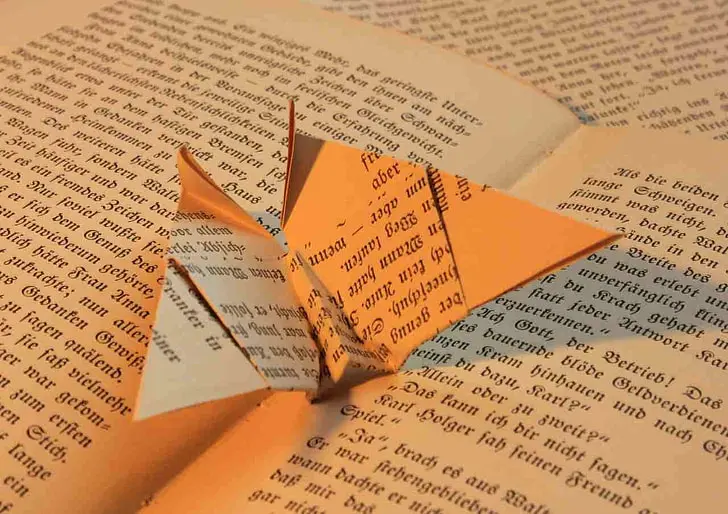
I once spent twenty minutes wondering why my crane's wings sat at completely different angles, only to trace it back to one corner I'd folded a few millimeters off on step two. If you're asking why does my origami model look uneven, the answer almost always traces back to one small misalignment early in the process that quietly threw off everything after it, and the good news is that once you know where to look, it's genuinely easy to fix.
This piece is Part of Common Origami Questions & Comparisons, and it covers exactly what causes uneven folds, how to catch the problem while you're still folding, the specific habits that keep models symmetrical from the very first crease, and how paper choice factors into all of it.
Why Does My Origami Model Look Asymmetrical?
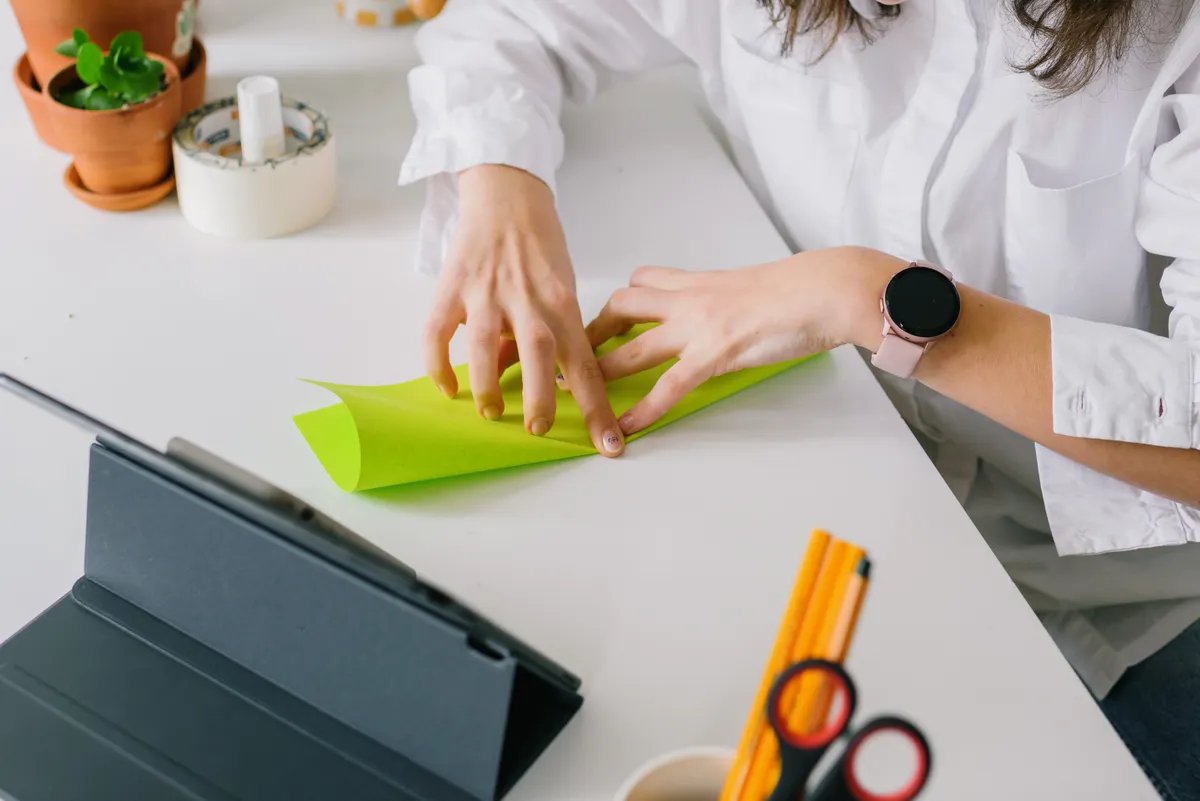
Asymmetry in origami almost never comes from one obviously wrong fold near the end. It usually comes from a small error early on, often in the very first few folds, that compounds quietly as the model progresses through each following step.
I've found that the earlier a misalignment happens, the more dramatic the final effect looks, even if the original mistake was barely visible at the time it happened. A corner off by two millimeters on fold one can shift an entire wing or ear by half an inch by the time you reach fold fifteen, simply because every later fold references the position of the one before it.
This compounding effect is really the core issue behind most uneven origami folds. Each new fold builds directly on the position of the last one, so nothing in the sequence exists in isolation, which is exactly why beginners often feel like the problem appeared out of nowhere near the end.
It's also worth saying clearly that this isn't a sign you're bad at folding. Even experienced folders occasionally catch a slightly off corner on a new model, the real skill is noticing it early rather than avoiding the mistake entirely.
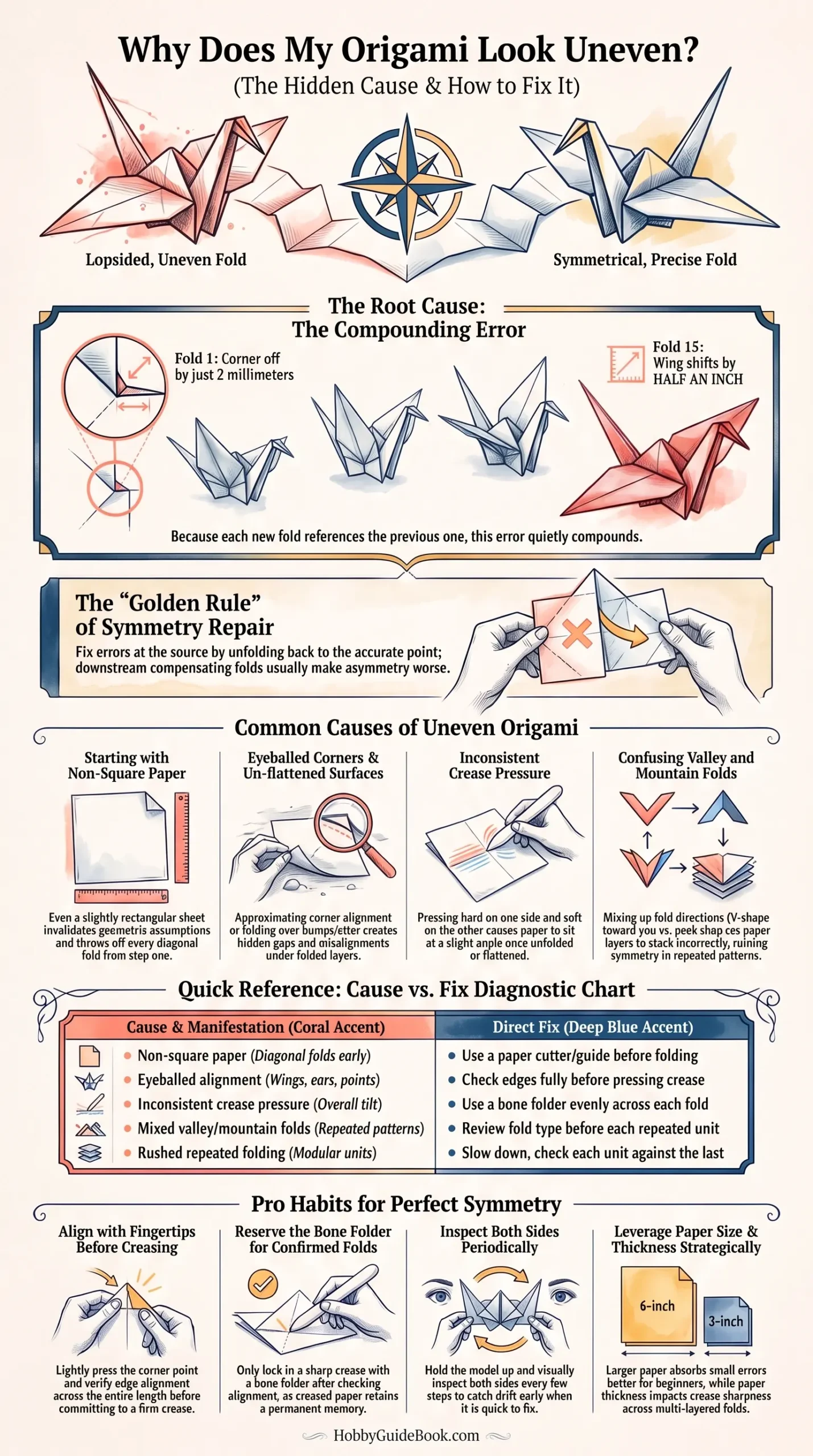
Photo Credit: Hobby Guidebook Editorial
What Causes Uneven Origami Folds?
A handful of specific habits show up again and again as the real source of uneven results, and recognizing them helps you catch problems before they spread through the whole model.
- Starting with a paper square that isn't quite square. Even a slightly rectangular sheet throws off every diagonal fold that follows, since the model's whole geometry assumes a perfect square from step one.
- Eyeballing corner alignment instead of checking it carefully. Corners that look close enough often aren't, especially on multi-layer folds where a small gap hides under the top layer.
- Pressing creases unevenly, sharp on one side and soft on the other, which causes the paper to sit at a slight angle once unfolded and flattened.
- Folding on an uneven or cluttered surface. A bump or ridge under the paper shifts alignment without you noticing in the moment, especially on thinner paper.
- Rushing repeated folds, like on modular units, without double checking each one against the last before moving forward to the next.
How Can You Align Corners More Accurately?
Corner alignment is really the foundation of symmetry, since so many origami sequences start with a diagonal or edge-to-edge fold that depends entirely on matching corners precisely before any crease gets pressed.
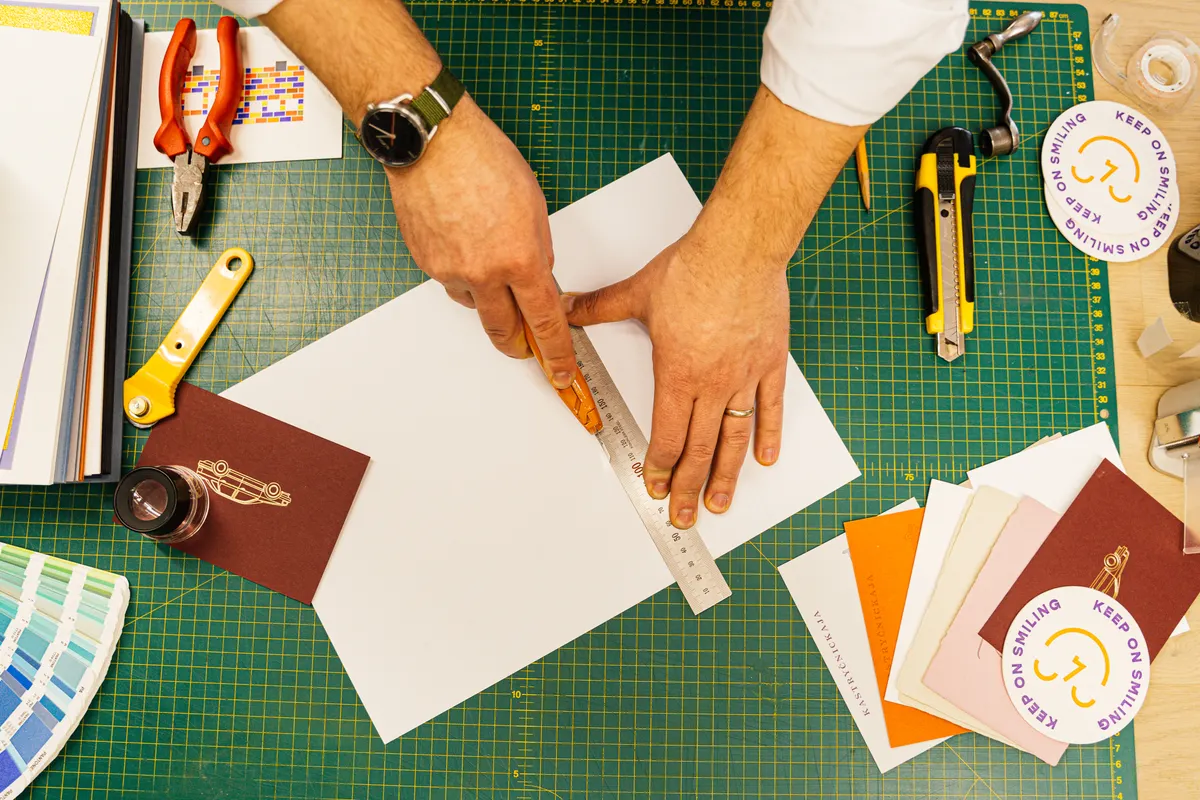
- Start with a paper cutter or guide to ensure your square is truly square. Many symmetry problems trace back to this very first, often overlooked step, before any folding even begins.
- Line up corners using your fingertips before pressing any crease. Press lightly at the corner point first, checking the edges match all the way along before committing to a full crease.
- Fold slowly on your first pass through a new model. Speed matters far less than accuracy, especially on the opening folds that set up everything after them in the sequence.
- Use a bone folder only after confirming alignment. Pressing a sharp crease before checking corners locks in a mistake that's much harder to correct afterward once the paper has memory of the fold.
- Hold the model up and check both sides visually every few steps, rather than only at the very end when fixing an early error means unfolding several layers you've already completed.
How Can You Fix an Uneven Model While Folding?
Catching unevenness early is always easier than fixing it after the model is nearly finished, but both situations have workable solutions worth understanding. If you notice a misalignment mid-fold, the best move is usually to unfold back to the point where things still looked correct, rather than trying to compensate with an extra fold later on that often makes things look worse.
A folding instructor I once took a class with described this as the golden rule of symmetry repair, fix it at the source, not downstream. That advice has saved me from a lot of frustrating late-stage adjustments that never quite looked right no matter how carefully I tried to correct them after the fact.
If the model is too far along to easily unfold, sometimes a small compensating fold on the opposite side can visually balance things out, though this works better on decorative models than on anything requiring precise structural folds like modular units that need to lock together evenly. For a closer look at fixing one of the most common uneven results specifically, How to Fix a Crooked Origami Crane walks through exactly where cranes tend to go visibly lopsided and how to correct it without starting over completely.
Understanding Valley and Mountain Folds in Symmetry
Getting comfortable with the two basic fold types genuinely helps prevent unevenness before it starts, since confusing them mid-sequence is one of the sneakier causes of asymmetry. A valley fold creases the paper so it forms a V shape, folding toward you, while a mountain fold creases the opposite way, folding away from you into a peak shape.
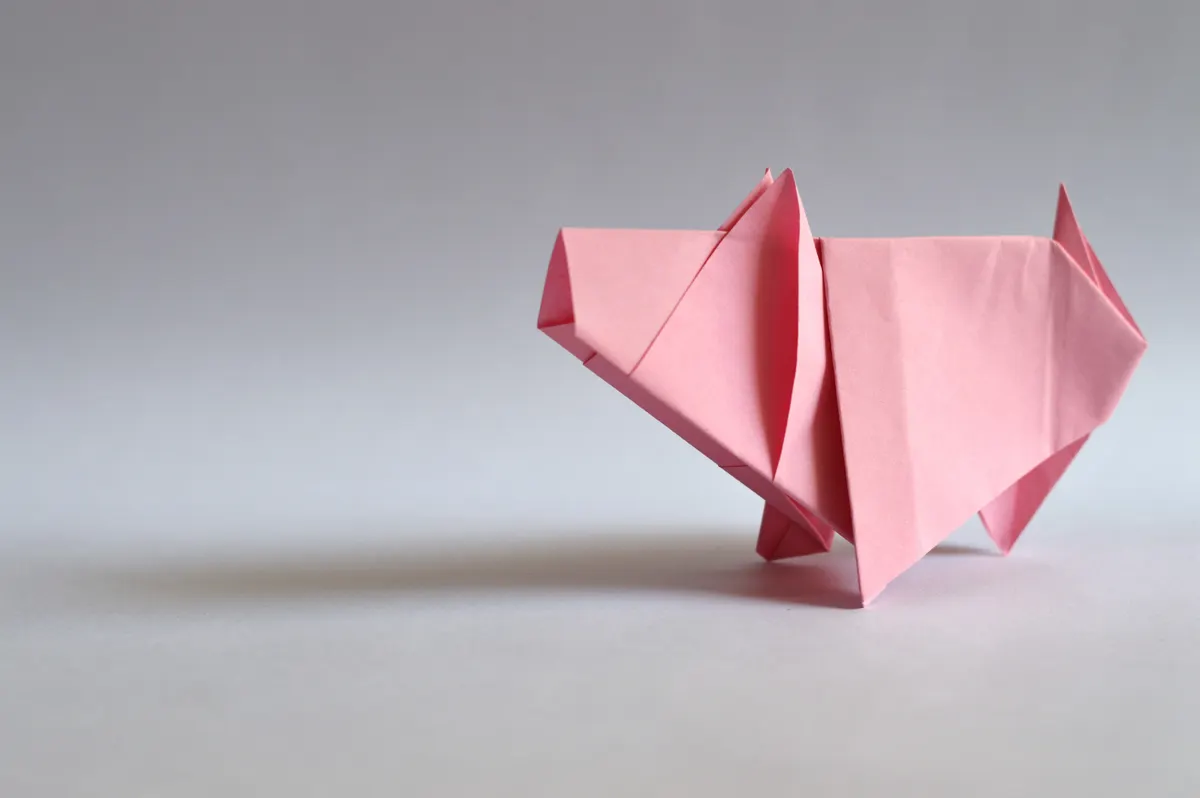
Photo Credit: Miguel Á. Padriñán
Mixing these up, even accidentally on a single fold within a repeated pattern, throws off symmetry immediately, since the paper ends up layered in a different direction than the rest of the model expects it to be. This mix-up is especially common on modular units, where dozens of identical folds need to match exactly for the final shape to lock together evenly around the whole sphere or star. Valley Fold & Mountain Fold Explained breaks down both fold types in more detail, which is worth reviewing if you're still mixing them up occasionally, even after folding for a while.
Does Paper Size or Thickness Affect Symmetry?
Yes, both genuinely matter here, and it's worth understanding how before assuming a symmetry problem is purely a technique issue. Larger paper is generally more forgiving for beginners, since a small alignment error takes up a smaller percentage of the overall fold compared to the same error on a tiny sheet of paper.
Starting with six inch paper rather than three inch paper while learning a new model reduces how visible small mistakes become, simply because there's more surface area to absorb a slight misalignment without it standing out.
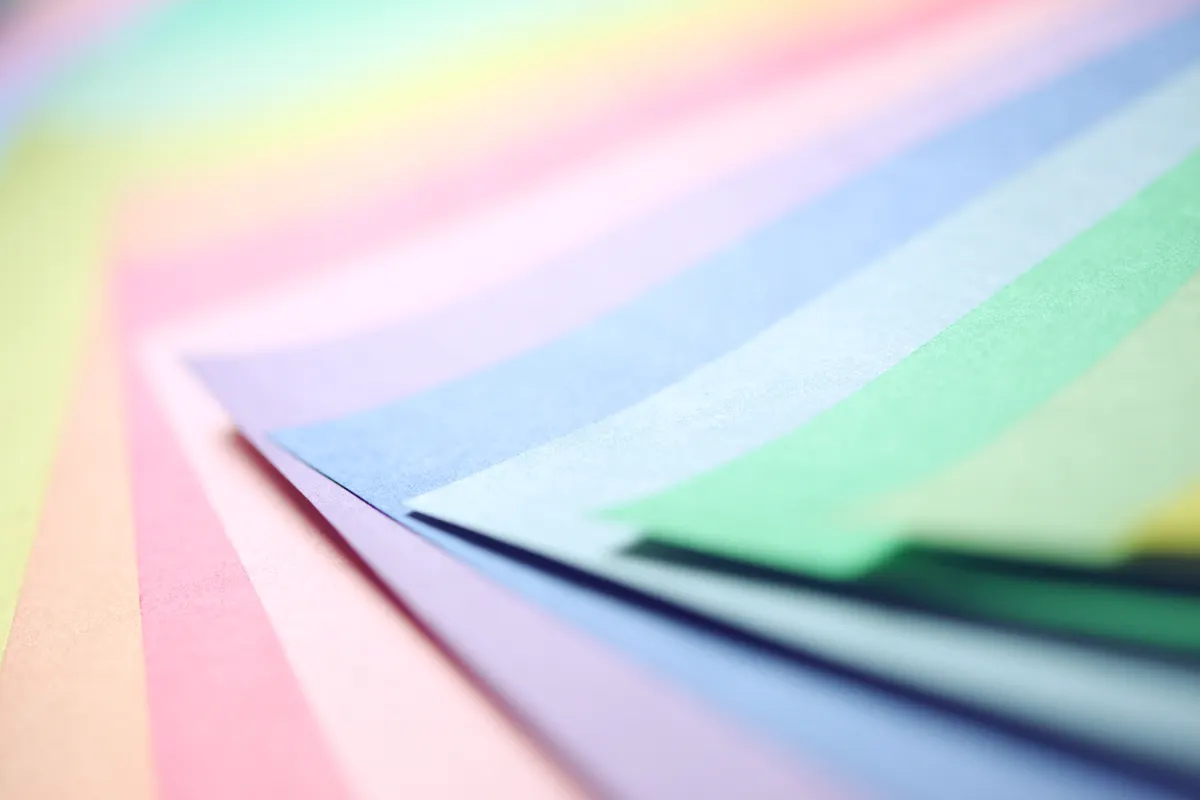
Thickness plays a role too, though differently than size does. Very thin paper creases easily but shows every small crease inconsistency clearly once the model is finished and flattened out. Thicker paper resists small errors slightly better structurally, but struggles to hold sharp, even creases on multi-layer folds, sometimes creating its own kind of unevenness through soft, incomplete creases rather than misaligned corners.
Photo Credit: Engin Akyurt
Comparing Common Causes of Uneven Models
|
Cause |
Where It Shows Up Most |
Fix |
|
Non-square starting paper |
Diagonal folds early in the sequence |
Use a paper cutter or guide before folding |
|
Eyeballed corner alignment |
Wings, ears, points on figurative models |
Check edges fully before pressing any crease |
|
Inconsistent crease pressure |
Overall model shape, subtle tilt |
Use a bone folder evenly across each fold |
|
Mixed valley and mountain folds |
Modular units, repeated patterns |
Review fold type before each repeated unit |
|
Rushed repeated folding |
Modular stars, kusudama units |
Slow down, check each unit against the last |
Pro Tips for Keeping Models Symmetrical
- Fold your first pass through any new model slowly, checking alignment far more carefully than you would on a model you've already mastered and folded many times before.
- Keep your folding surface flat and clear. A bump or wrinkle under the paper genuinely does throw off alignment without you noticing at the time, especially with thinner sheets.
- Compare both sides of the model periodically, not just at the very end, so any drift gets caught while it's still an easy, quick fix rather than a full unfold.
- Use consistent pressure with your bone folder, working each crease evenly from center to edge rather than pressing harder on one side out of habit.
- Keep a spare sheet nearby for tricky sequences. Practicing an unfamiliar fold once on scrap paper before committing to your final sheet catches alignment habits worth adjusting early.
Frequently Asked Questions
Why does my origami model look asymmetrical? It almost always traces back to a small misalignment early in the fold sequence that compounds as later folds build on that same position throughout the model.
What causes uneven origami folds? Non-square starting paper, eyeballed corners, inconsistent crease pressure, and mixed valley or mountain folds are the most common causes behind uneven results.
How can you align corners more accurately? Start with a truly square sheet, line up corners with your fingertips before pressing any crease, and check both edges match fully first.
How can you fix an uneven model while folding? Unfold back to the point where alignment still looked correct rather than trying to compensate with an extra fold later in the sequence.
Does paper size or thickness affect symmetry? Yes, larger paper is more forgiving of small errors, while paper thickness affects how sharply and evenly creases hold across multiple layers.
Final Thoughts
Uneven models almost always trace back to one small, early misalignment rather than anything wrong with your overall folding ability. Slow down on those first few folds, check corners carefully before committing to a crease, and symmetry gets much easier to hold onto from there with practice.
If you're ready to explore the rest of what this hobby has to offer, Read the full origami guide for everything from paper choices to techniques across every skill level.



Leave a Reply