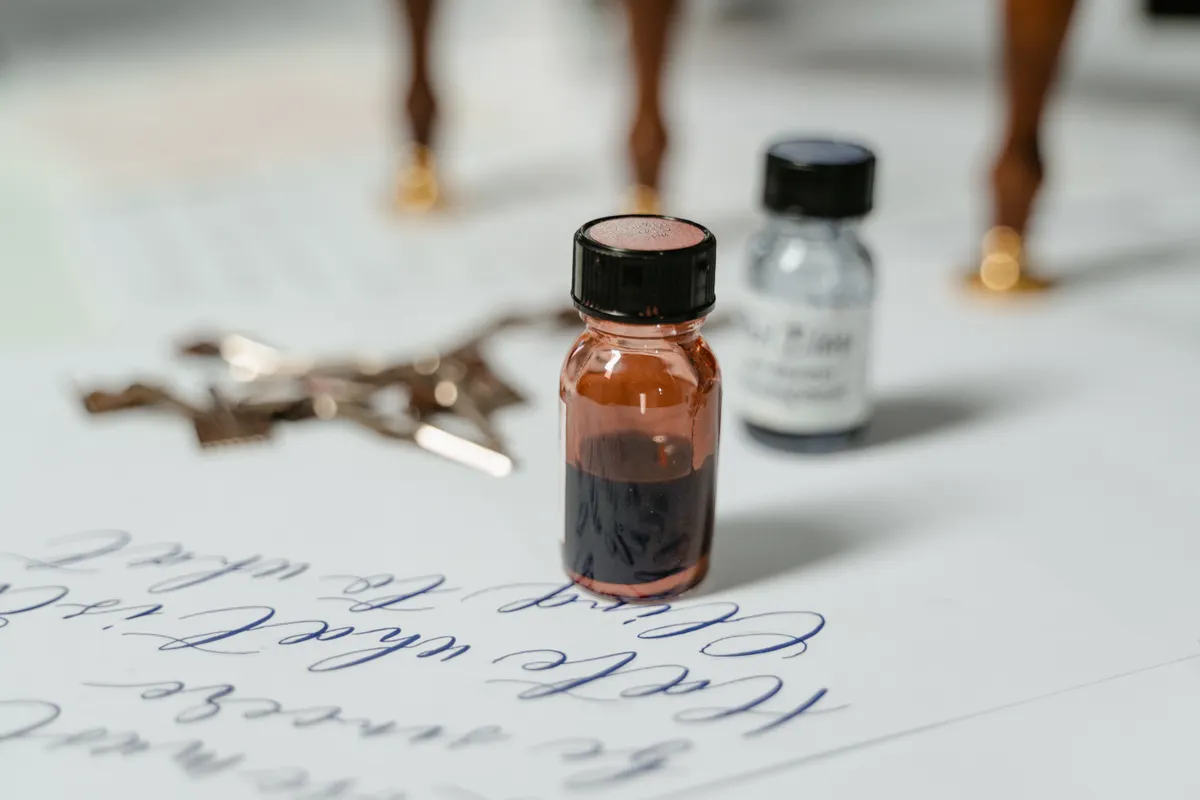
I remember mid stroke through a perfect downstroke when the line suddenly went pale and broken, like the pen had simply given up halfway through the letter. A calligraphy ink skipping fix is almost always simpler than it feels in that frustrating moment, and most of the time the cause is something small and easy to correct.
This guide is part of Common Calligraphy Questions & Comparisons, and it covers why pens skip mid stroke, how to clean and prep a nib properly, and when a nib has actually reached the end of its life.
Why Does a Calligraphy Pen Skip in the Middle of a Stroke
Skipping usually happens when ink stops flowing evenly from the nib, often because of a dry nib skipping ink after sitting unused, dried residue clogging the tines, or a tiny air bubble breaking the flow mid line. I have found this shows up most often on the first few strokes of a session, before the nib has had a chance to fully wet with ink.
Once flow gets interrupted like this, even good technique cannot force a smooth line out of a nib that is not cooperating.

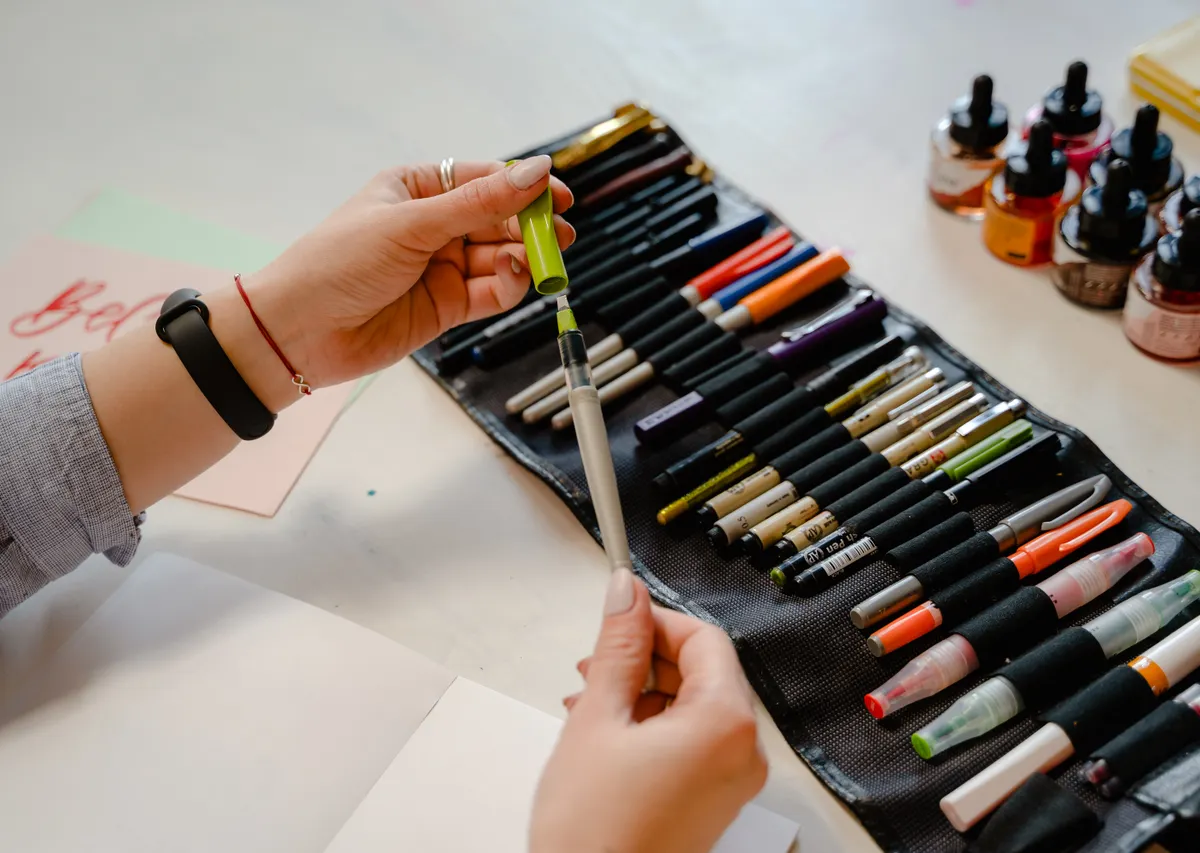
Photo Credit: Hobby Guidebook Editorial
Tools for Diagnosing and Fixing Skipping
|
Tool |
Purpose |
Notes |
|
Soft cloth or tissue |
Wipes dried ink from the nib |
Do this between colors or breaks |
|
Dish soap or nib cleaner |
Removes buildup causing flow issues |
A quick clean often solves skipping |
|
Smooth practice paper |
Reduces friction that worsens skipping |
Rough paper can pull ink unevenly |
|
Spare nibs |
Backup when one nib is simply worn out |
Keep two or three on hand |
What Causes Inconsistent Ink Flow
Inconsistent flow usually traces back to dried ink sitting in the nib's slit, a tine gap that has bent slightly out of alignment, or ink that has thickened after sitting open too long. Calligraphy ink flow problems tend to worsen the longer a nib goes without cleaning, since dried residue builds up layer by layer with each use.
Humidity plays a role too, since ink dries faster on the nib in a dry room, making skipping more likely toward the end of a longer session.
If skipping keeps showing up alongside pale or ghosted lines on the back of your paper, How to Fix Calligraphy Ghosting or Show-Through covers a related paper issue worth ruling out.
How Do You Clean and Prepare a Calligraphy Nib
- Wipe the nib with a soft cloth right after each use, before ink has a chance to fully dry in the slit.
- Soak stubborn buildup in a small dish of water with a drop of dish soap for a minute or two.
- Rinse thoroughly and dry completely before dipping the nib back into ink.
- Check the tines are meeting evenly at the tip, since a slight gap here can cause flow issues on its own.
Never force a stuck nib apart with a fingernail, since bending the tines even slightly can create lasting flow problems that cleaning alone will not fix.
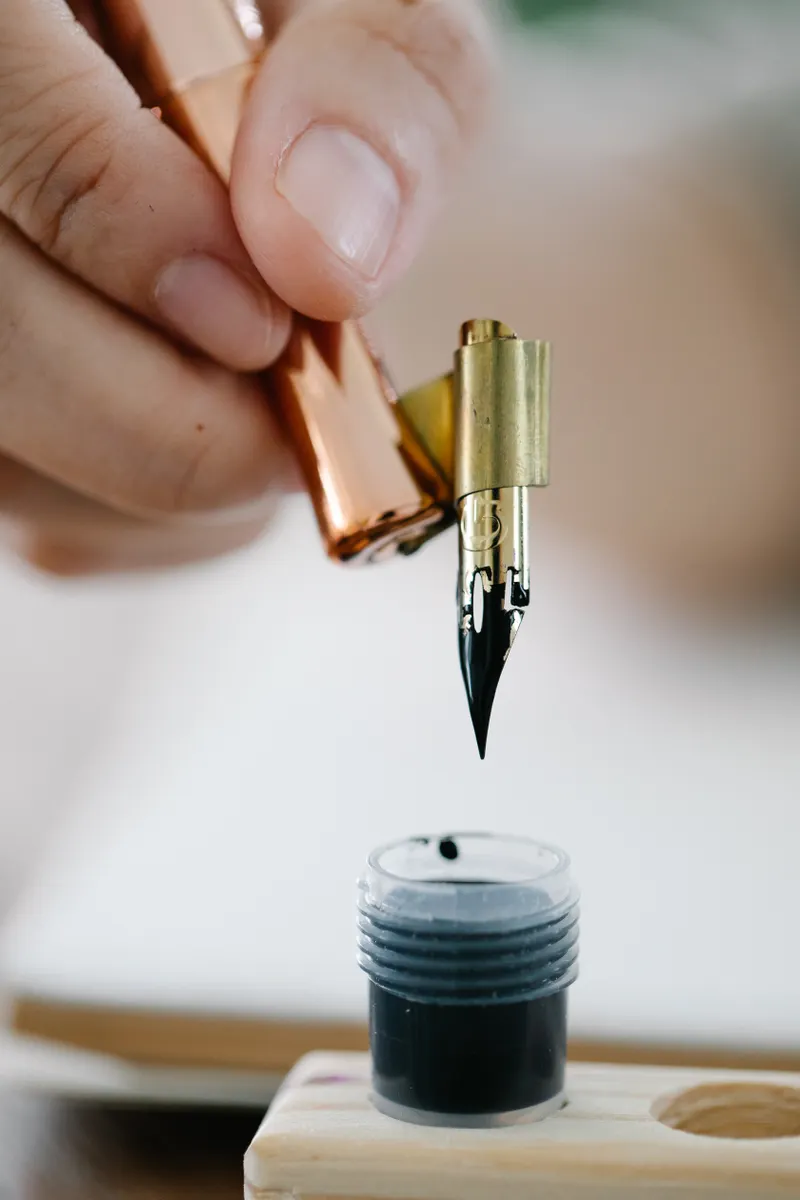
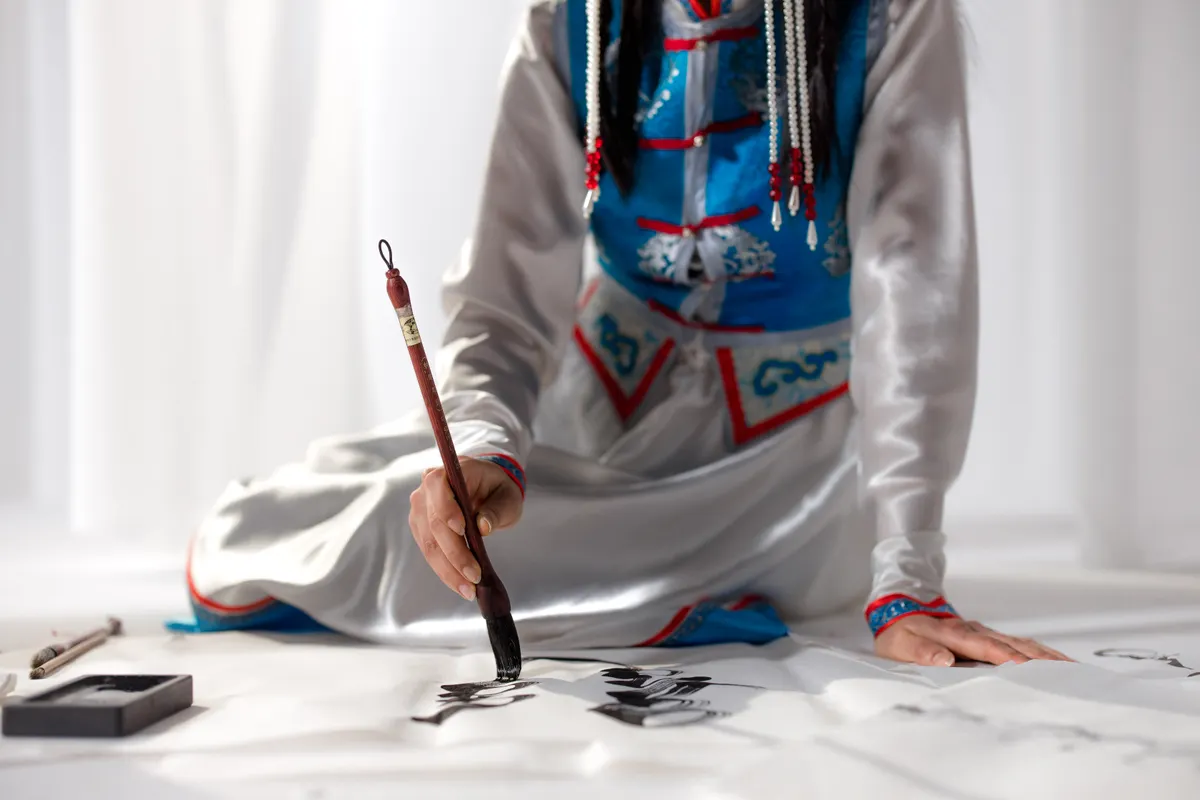
Photo Credit: Katya Wolf
Can the Paper Surface Cause Ink Skipping
Yes, rough or textured paper can catch the nib's tines and pull ink away unevenly, creating skipping that has nothing to do with the pen itself. Smooth, hot press paper tends to let ink flow more consistently, since there is less surface texture fighting the nib as it moves.
"A pen behaves differently on every paper it meets." That advice gets repeated often among letterers, and it holds up well once you notice how the same nib can skip on one sheet and glide perfectly on another.
If a nib feels rough or catches even after cleaning, How to Fix Scratchy Calligraphy Nibs walks through a related fix worth trying next.
When Should You Replace the Nib
A nib should be replaced once cleaning no longer restores smooth flow, or once the tines show visible wear like splaying, rust spots, or a bent tip that will not sit flat. Most nibs last through many practice sessions, but a well used one eventually reaches a point where no amount of cleaning brings back consistent lines.
Pro Tips and Common Mistakes to Avoid
- Do not let ink dry on the nib between sessions. A quick wipe now prevents stubborn buildup later.
- Avoid dipping too deep into the ink bottle. Excess ink pooling on the nib often leads to uneven flow.
- Do not ignore a nib that skips even after cleaning. That is usually a sign it is time for a replacement.
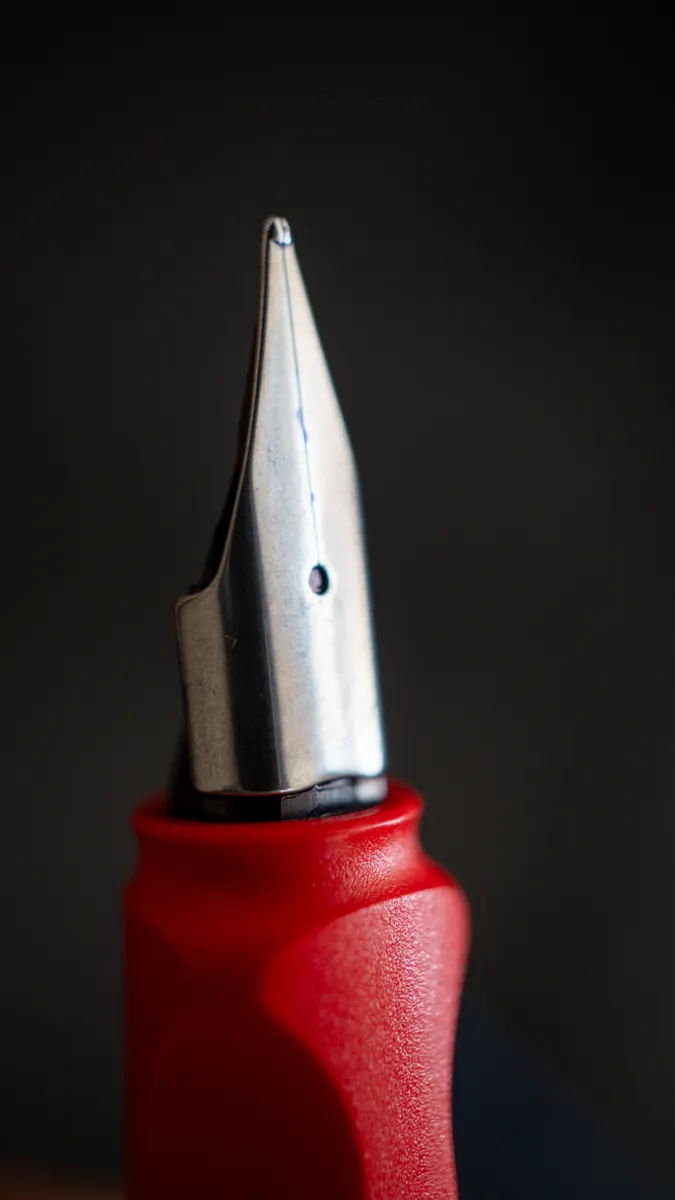
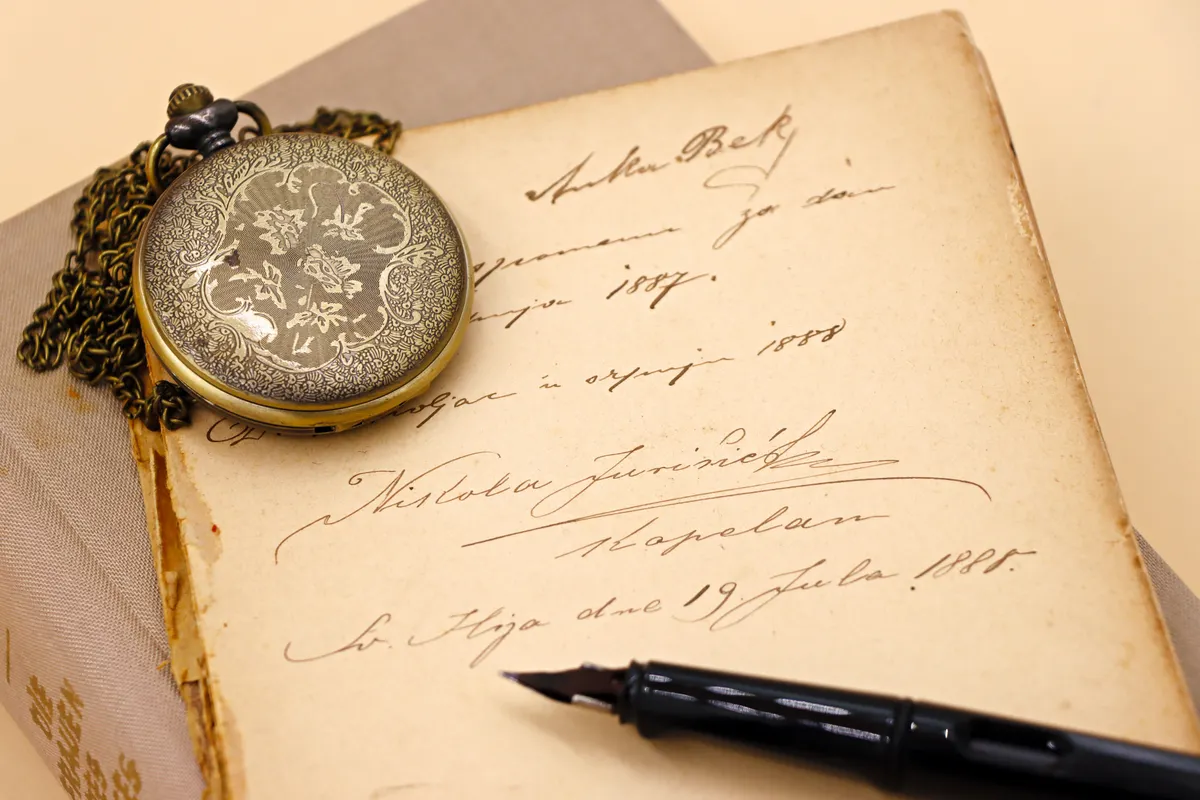
Photo Credit: Luis Alberto Garcia Garcia
Frequently Asked Questions
Why does a calligraphy pen skip in the middle of a stroke? Dried residue, a clogged nib slit, or a small air bubble usually interrupts the ink flow.
What causes inconsistent ink flow? Dried ink buildup, misaligned tines, or thickened ink are the most common causes.
How do you clean and prepare a calligraphy nib? Wipe it after use, soak stubborn buildup in soapy water, then rinse and dry fully.
Can the paper surface cause ink skipping? Yes, rough paper can catch the tines and pull ink away unevenly during a stroke.
When should you replace the nib? Replace it once cleaning no longer restores flow or the tines show visible wear.
A Quick Fix Worth Trying First
Ink skipping almost always traces back to a dirty nib, thickened ink, or rough paper, all fixable before assuming your pen is broken. Clean the nib, test smoother paper, and that broken line should even out within a stroke or two.
For everything else this hobby covers, from tools to strokes to full scripts, read the full calligraphy and hand lettering guide.


Leave a Reply