Two crafters can buy machines on the same day, one a Cricut and one a Silhouette, and both will swear their choice was the right one within a month. The Cricut vs Silhouette debate isn't really about one machine being objectively better, it's about which one actually fits how you plan to craft.
This guide is part of Common Paper Craft Questions & Comparisons, and it breaks down the real differences in cutting quality, software, and learning curve between these two popular machines. I've used both extensively over the years, and the honest answer depends far more on your specific projects than most reviews let on.
What Is the Main Difference Between Cricut and Silhouette Cutting Machines
The core difference comes down to ecosystem and control. Cricut machines work within a more closed system, using Cricut's own Design Space software and generally requiring Cricut-branded blades and accessories for full functionality.
Silhouette machines run on Silhouette Studio, a software that offers more manual control over cut settings and works with a wider range of third-party blades and tools. This cricut silhouette comparison paper crafts distinction matters most once you start wanting more customization than basic presets allow.
Neither approach is wrong, it just suits different types of crafters. Cricut leans toward guided simplicity, while Silhouette leans toward flexibility for crafters who want to fine-tune every setting themselves.
Basic Specs Comparison
A side-by-side look makes the practical differences easier to see at a glance.
|
Feature |
Cricut |
Silhouette |
|
Software |
Design Space |
Silhouette Studio |
|
Blade compatibility |
Mostly brand-specific |
Wider third-party options |
|
Cutting force (popular models) |
Strong, consistent on cardstock |
Strong, slightly more adjustable |
|
Learning curve |
Easier for beginners |
Slightly steeper, more control |
|
Material library presets |
Extensive, guided |
Available, more manual adjustment |
|
Community and tutorials |
Very large |
Large, slightly smaller |
Both companies offer several machine tiers, from smaller entry-level cutters to larger, more powerful models built for thicker materials.
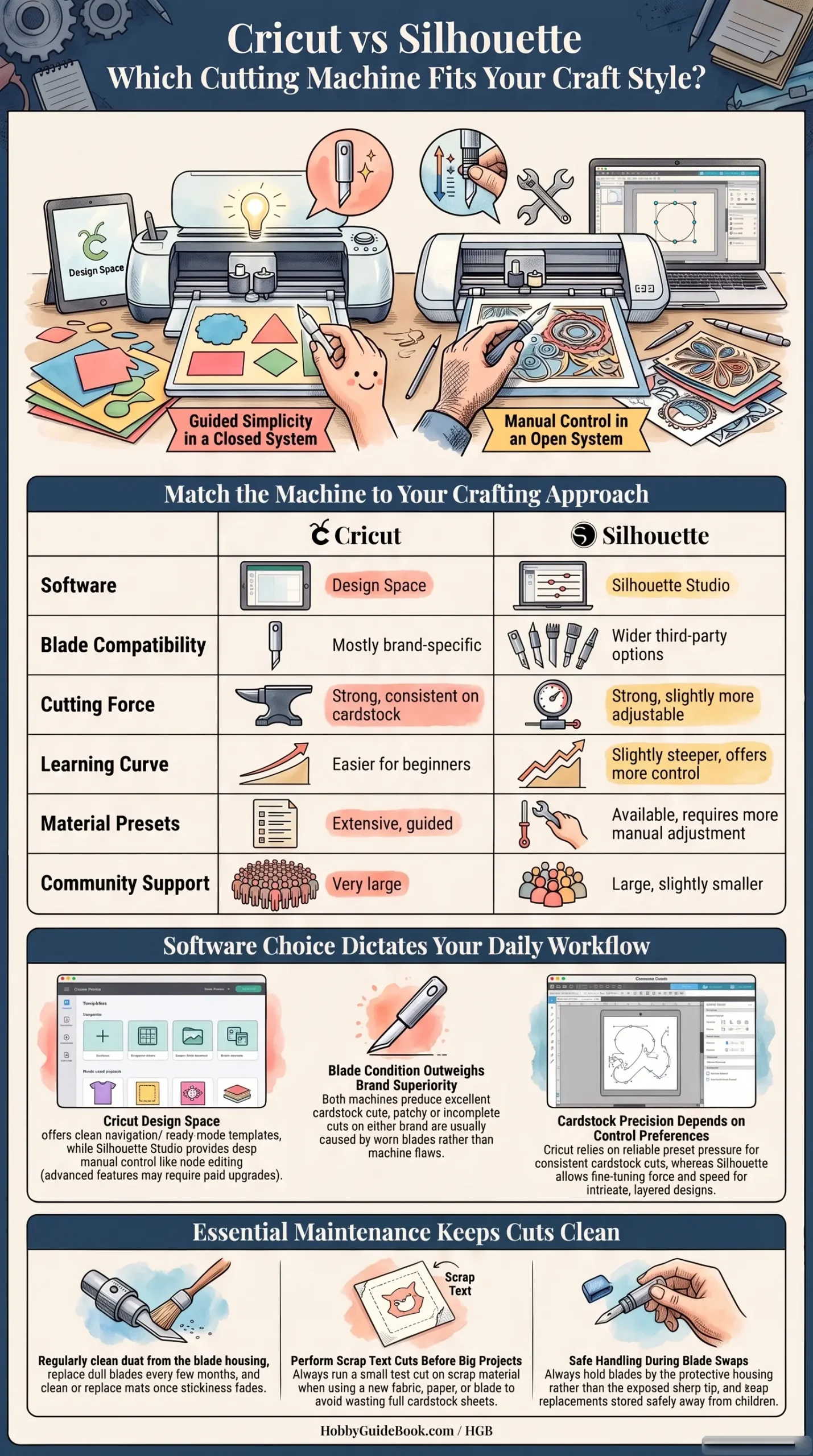
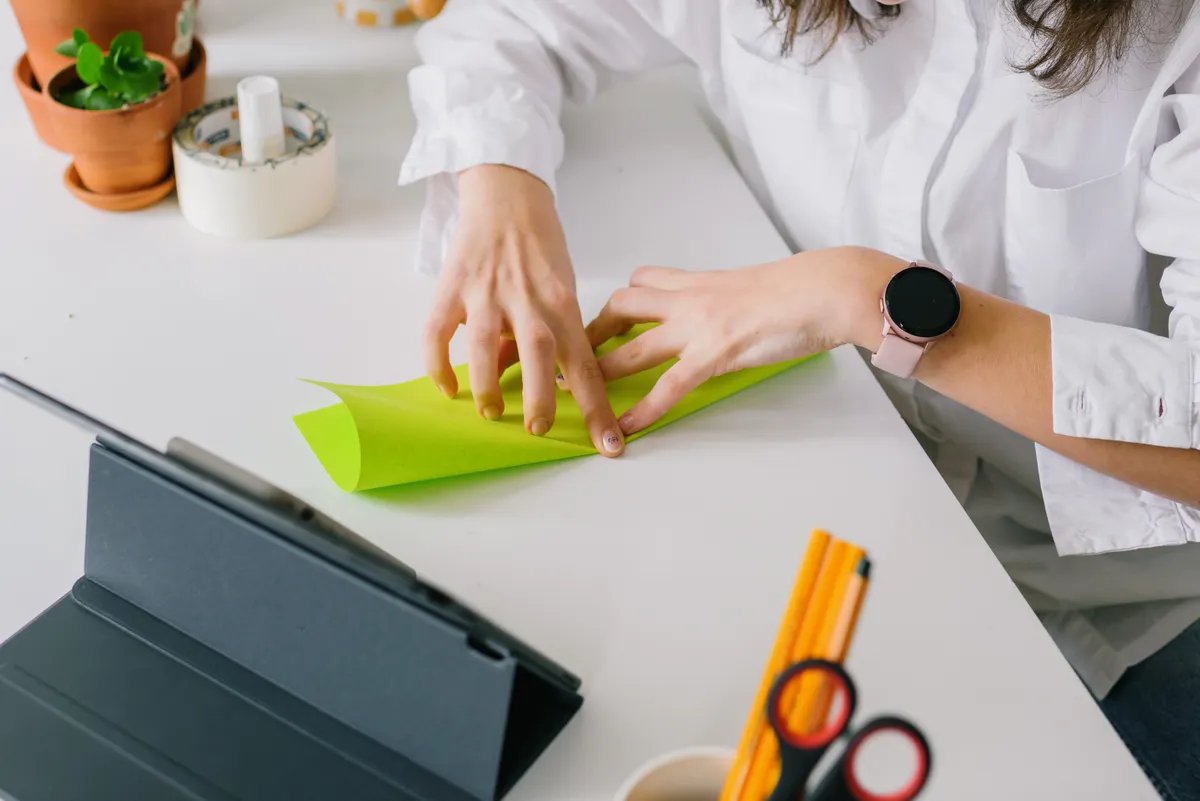
Photo Credit: Hobby Guidebook Editorial
Which Is Better for Beginners, Cricut or Silhouette
Cricut generally wins for beginners, mainly because Design Space guides users through material settings with clear presets and fewer manual adjustments needed upfront.
Reasons Cricut tends to suit beginners better:
- Guided material settings. Selecting cardstock, vinyl, or other materials from a preset list removes a lot of early guesswork.
- Larger tutorial community. More beginner-focused tutorials exist for Cricut, simply due to its wider user base.
- Simpler initial setup. Design Space walks new users through calibration and first cuts more directly than Silhouette Studio does.
That said, Silhouette isn't difficult to learn, it just asks a little more from a first-time user in terms of understanding settings manually. Crafters who enjoy tinkering with exact blade depth and pressure often end up preferring that control once they're past the first few projects.
Which Machine Cuts Cardstock Better
Both machines cut cardstock well, and in my experience the real difference comes down to blade condition and settings more than brand. That said, a few practical distinctions show up with regular use.
Cricut cardstock cutting:
- Preset material settings make dialing in the right pressure fast and consistent.
- Strong, reliable cuts on standard and heavyweight cardstock with genuine Cricut blades.
Silhouette cardstock cutting:
- Manual force and speed adjustment allows fine-tuning beyond presets, useful for intricate or layered cardstock designs.
- Third-party blade compatibility gives more options if a specific blade type suits your project better.
If cuts start coming out incomplete or patchy on either machine, the cause is almost always the same regardless of brand. Why Is My Die-Cut Machine Not Cutting Through? walks through the exact troubleshooting steps that apply whether you're running a Cricut or a Silhouette.
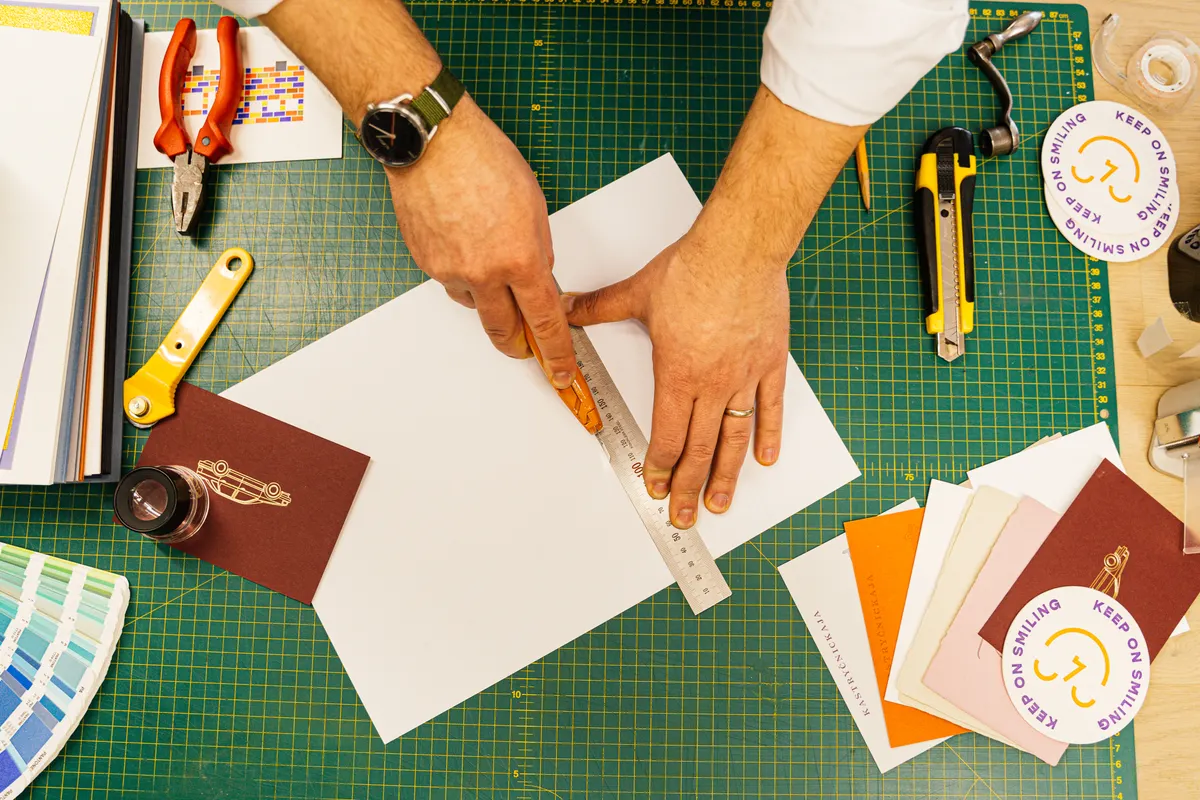
Photo Credit: Antoni Shkraba
Which Machine Offers Better Design Software for Paper Crafts
This is where personal preference matters most, since both platforms handle the basics well but differ in how much control they hand over.
Design Space (Cricut):
- Clean, simple interface, easy for beginners to navigate.
- Large library of ready-made projects and templates.
- Less manual control over fine cutting parameters.
Silhouette Studio:
- More detailed manual control over cut settings, node editing, and blade depth.
- Steeper learning curve, but rewards crafters who want precise customization.
- Advanced features often require a paid upgrade beyond the free version.
"The best software is the one you'll actually open and use, not the one with the most features you'll never touch." That's worth remembering here, since a beginner overwhelmed by Silhouette Studio's manual controls might get more consistent results starting with Design Space's guided approach instead.
Which Machine Is Easier to Learn and Maintain
Cricut is generally easier to learn, thanks to its guided software and simpler initial setup process. New users typically get a clean first cut within their first session, with fewer settings to understand upfront.
Maintenance is fairly similar between both brands. Both require periodic blade replacement, mat cleaning, and occasional calibration to keep cuts accurate over time.
Common maintenance tasks for either machine:
- Cleaning the blade housing regularly to prevent dust buildup from affecting cut quality.
- Replacing blades every few months of regular use, sooner if cuts start looking torn or incomplete.
- Re-stickying or replacing mats once they lose grip, since a worn mat causes shifting during cuts on either brand.
Photo Credit: Bulat843 🌙
Both machines fit within the broader world of die-cutting tools worth understanding before choosing one. Paper Crafting Machines covers the full range of options available, including manual die-cut machines that don't require any software at all.
Pro Tips and Common Mistakes to Avoid
A few patterns show up often with crafters choosing between these two machines for the first time.
- Buying based on brand loyalty alone. Trying a friend's machine or watching hands-on comparison videos beats choosing based on which brand is simply more popular online.
- Skipping the test cut step regardless of machine. Both Cricut and Silhouette benefit from a scrap test cut before committing to a full project, especially with a new material.
- Ignoring blade replacement schedules. A dull blade causes the same problems on either machine, and pushing it too long wastes cardstock unnecessarily.
- Assuming one software is universally better. Design Space suits guided simplicity, Silhouette Studio suits manual control, and the right choice depends entirely on your own working style.
A quick safety note worth mentioning: when swapping blades on either machine, always handle by the housing rather than the exposed tip, and keep replacement blades stored safely away from young children if you're crafting in a shared household space.
Frequently Asked Questions
Which is better for beginners, Cricut or Silhouette? Cricut generally suits beginners better, thanks to its guided material presets and simpler initial setup through Design Space. Silhouette isn't difficult, but it asks more manual understanding from a first-time user.
What is the main difference between Cricut and Silhouette cutting machines? Cricut works within a more closed ecosystem using its own software and blades, while Silhouette offers more manual control and wider third-party compatibility. This affects both the learning curve and long-term customization options.
Which machine cuts cardstock better? Both machines cut cardstock well, with Cricut offering strong preset consistency and Silhouette offering more manual fine-tuning. Blade condition and settings matter more to cut quality than brand choice alone.
Which machine offers better design software for paper crafts? Design Space is simpler and more beginner-friendly, while Silhouette Studio offers more detailed manual control for experienced users. The better option depends on whether you prefer guided simplicity or hands-on customization.
Which machine is easier to learn and maintain? Cricut is generally easier to learn due to its guided software, while maintenance tasks like blade replacement and mat care are fairly similar between both brands. Neither machine requires significantly more upkeep than the other over time.
Choosing What Actually Fits Your Craft Style
Neither Cricut nor Silhouette is universally better, the right choice depends on whether you prefer guided simplicity or hands-on control over your settings. Both machines handle cardstock, vinyl, and most common paper craft materials reliably once you're comfortable with the basics.
Try a hands-on demo or a friend's machine before buying if you can, since a few minutes of real use tells you more than any spec sheet.
Want to explore more paper craft skills? Read the full paper crafts guide for techniques across every paper craft style.


Leave a Reply