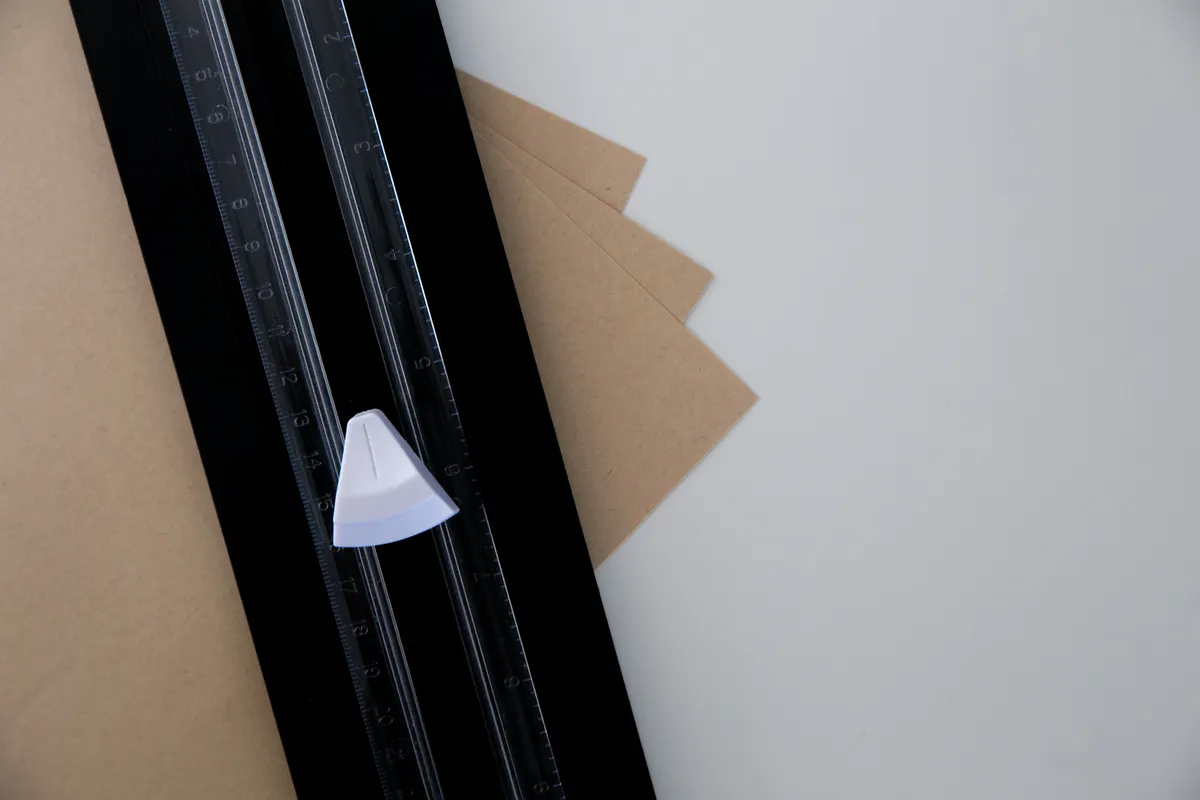
Scissors will get you a straight line eventually, but line up ten cardstock strips for a card project and you'll see exactly why every serious paper crafter eventually buys a trimmer. Paper trimmers and guillotines solve the one problem scissors and craft knives never fully fix, getting the exact same measurement on every single cut without measuring twice each time.
This guide is part of the Paper Crafts Materials & Tools Guide, and it covers the real differences between trimmer styles, which one gives the most accurate straight cuts, and how to actually get clean, square edges every time. I've worn out more than one trimmer blade over the years, and switching between styles taught me pretty quickly that they're not interchangeable tools, they each do one job better than the others.
What Is the Difference Between a Paper Trimmer and a Guillotine Cutter
Both tools cut straight lines through paper and cardstock, but they work in noticeably different ways. A paper trimmer uses a small blade that slides along a track, either a rotary wheel or a sliding cartridge blade, moving across the paper in one smooth pass.
A guillotine cutter uses a hinged arm with a long blade that swings down in one motion, similar to a paper cutter you might remember from a school office. Guillotines apply pressure across the entire cut at once, while trimmers glide a smaller blade along the full length of the cut line.
Types of Paper Trimmers and Guillotines
Here's a breakdown of the main styles you'll come across when shopping for a trimmer.
|
Type |
How It Cuts |
Best For |
Notes |
|
Rotary paper trimmer |
Rolling wheel blade glides along a track |
General crafting, thin to medium cardstock |
Most common style, compact and portable |
|
Cartridge/bypass trimmer |
Sliding blade cartridge moves across paper |
Cleaner cuts, less paper shifting |
Slightly pricier, very precise for card making |
|
Guillotine cutter |
Hinged blade swings down in one motion |
Cutting multiple sheets at once |
Heavier duty, less portable, great for bulk cutting |
|
Personal desktop trimmer |
Small rotary style for light use |
Beginners, occasional projects |
Budget friendly, limited to thinner cardstock |
Most paper crafters end up owning at least a rotary trimmer for everyday use, even if a guillotine sits nearby for bigger batch jobs.
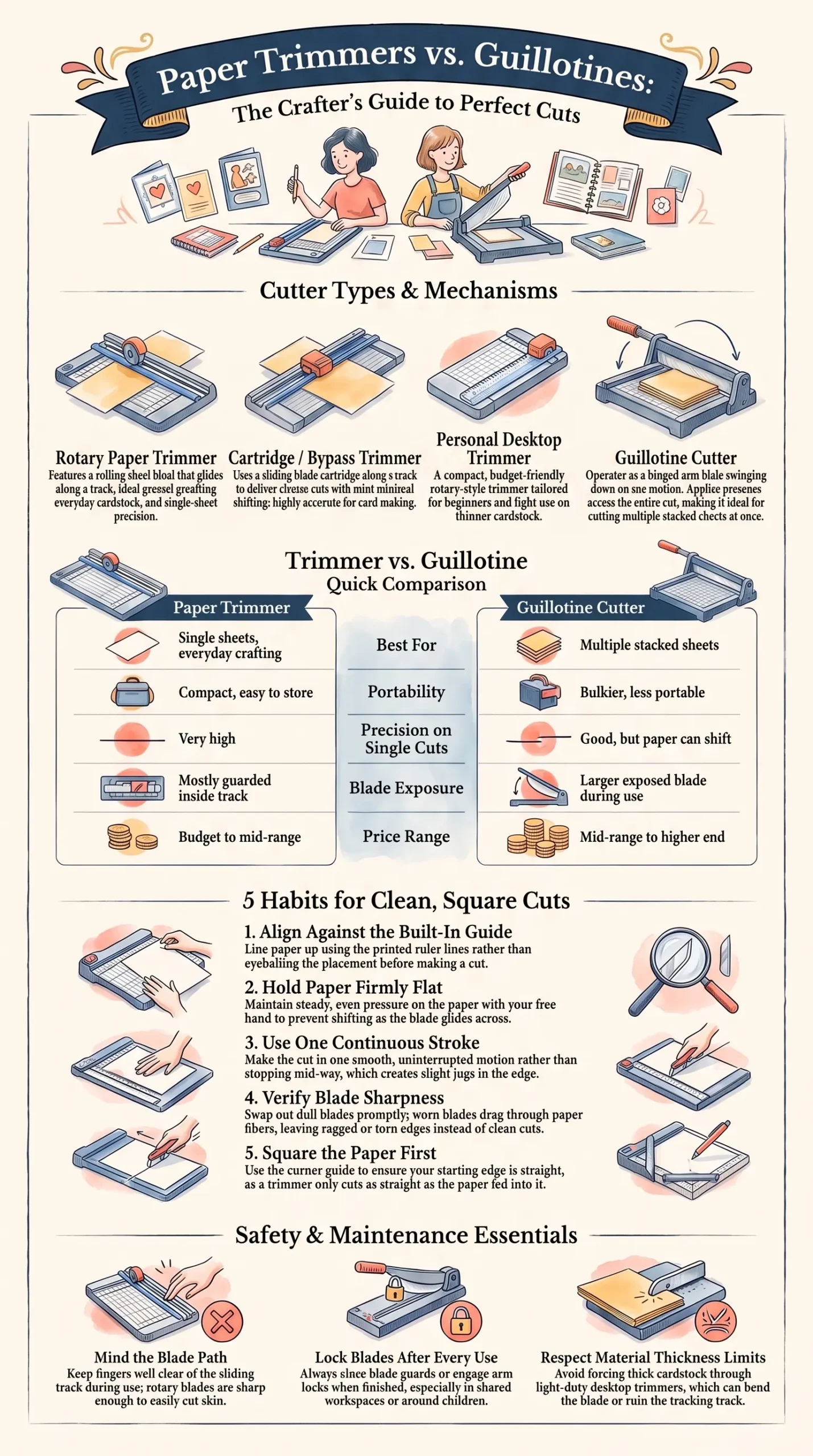
Photo Credit: Hobby Guidebook Editorial
Which Is More Accurate for Straight Cuts
This is one of the most common questions in any paper trimmer guide, and the honest answer depends slightly on what you're cutting. For single sheets and everyday card making, a rotary or cartridge style trimmer generally produces the most accurate, repeatable straight cuts, since the blade glides along a fixed track with a built in ruler guide.
Guillotine cutters shine when cutting through multiple sheets stacked together, since the swinging blade applies even pressure across the whole stack in one motion. For a single sheet, though, a guillotine's long blade can sometimes shift the paper slightly if it's not held firmly, which is less of a risk with a trimmer's gliding blade.
I keep a rotary trimmer at my main desk for daily card making, and I only pull out my guillotine when I'm cutting a stack of matching pieces for a batch project. Matching the tool to the job matters more here than picking one "best" option overall.
Is a Paper Trimmer Safer Than a Craft Knife
Generally, yes. A paper trimmer's blade stays enclosed or guarded within the track, reducing the chance of an accidental cut compared to a craft knife's fully exposed blade.
That said, trimmers still carry real risk, especially rotary style blades, since the small circular blade is sharp enough to cut skin quickly if fingers stray too close to the track. A few basic safety habits make a real difference here.
- Keep fingers away from the blade track while sliding a rotary or cartridge blade across the paper.
- Close the blade guard or lock the blade after each use, especially if kids are nearby or the trimmer sits on a shared workspace.
- Replace dull blades promptly, since a dull blade requires more pressure to cut, increasing the chance of the tool slipping.
- Keep the cutting surface clear of clutter that could cause your hand to slip while trimming.
For a broader look at blade safety across paper crafting tools in general, Cutting Tools for Paper Crafts covers craft knives, blade types, and sharpening habits that pair well with the trimming techniques covered here.
What Is a Rotary Paper Trimmer Used For
A rotary paper trimmer uses a small circular blade mounted on a sliding carriage, which rolls along a fixed track as you push it across the paper. This design makes it the most common trimmer style for everyday paper crafting, since it's compact, affordable, and works well for a wide range of paper weights.
Common uses for a rotary trimmer include:
- Trimming cardstock down to exact card base sizes.
- Cutting straight strips for borders, mats, or layered card elements.
- Squaring up photos or printed papers for scrapbook pages.
- Creating clean edges on patterned paper before layering.
Most rotary trimmers also include interchangeable blade cartridges, letting you swap in a scoring blade or perforating blade for added versatility without buying a separate tool.
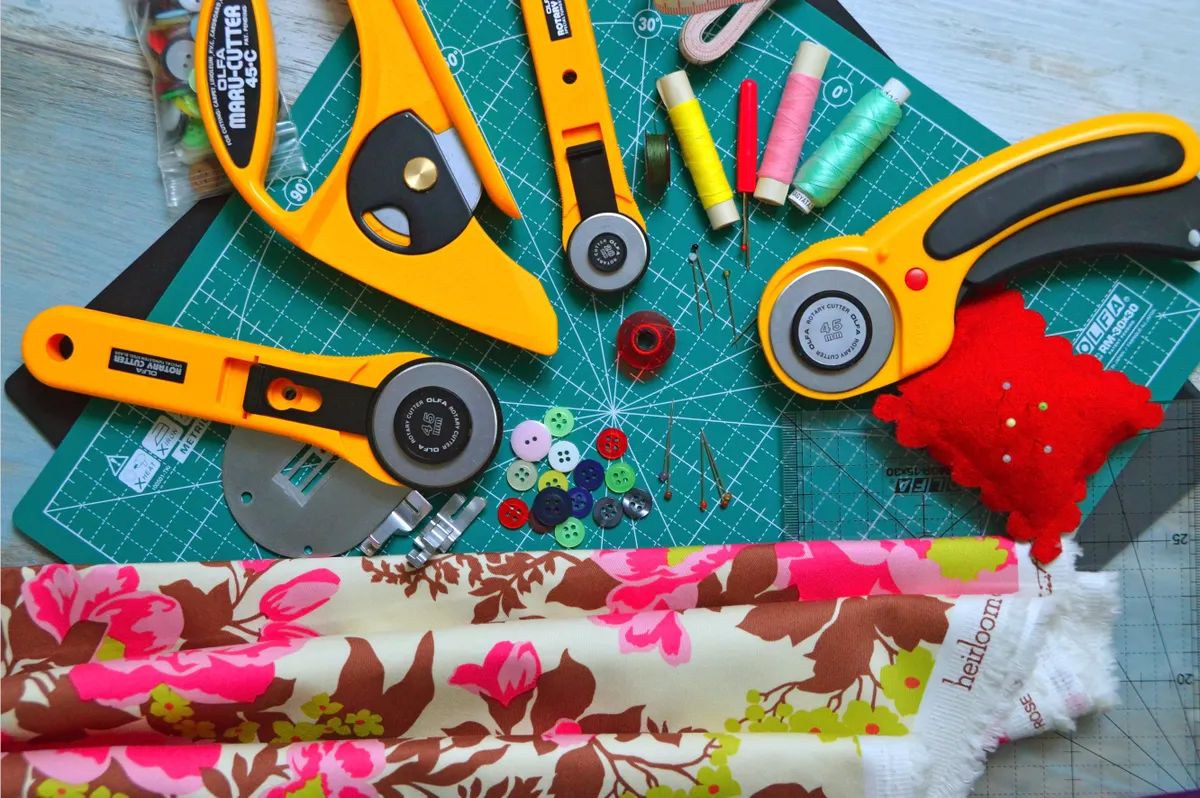
Photo Credit: Adonyi Gábor
How Do You Get Clean, Square Cuts With a Paper Trimmer
Getting consistently clean, square cuts comes down to a handful of habits more than the trimmer itself.
- Line the paper edge up against the trimmer's built in guide, using the printed ruler lines rather than eyeballing the position.
- Hold the paper flat with your free hand, keeping steady, even pressure so it doesn't shift as the blade moves across.
- Use one smooth, continuous stroke rather than stopping and restarting partway through the cut, which can leave a slight jog in the line.
- Check blade sharpness before starting a big project, since a dull blade drags through paper fibers and can leave a ragged, torn edge instead of a crisp one.
- Square up your paper first using the trimmer's corner guide if it has one, making sure your starting edge is truly straight before making the final cut.
"A trimmer only cuts as straight as the paper you feed it." That's something worth remembering any time a cut comes out crooked, since a slightly misaligned starting edge usually causes more trouble than the tool itself.
Once your straight cuts are reliably clean, building out other core skills like scoring and folding rounds out a solid paper crafting foundation. Essential Paper Crafting Skills covers the full range of beginner techniques worth practicing alongside accurate trimming.
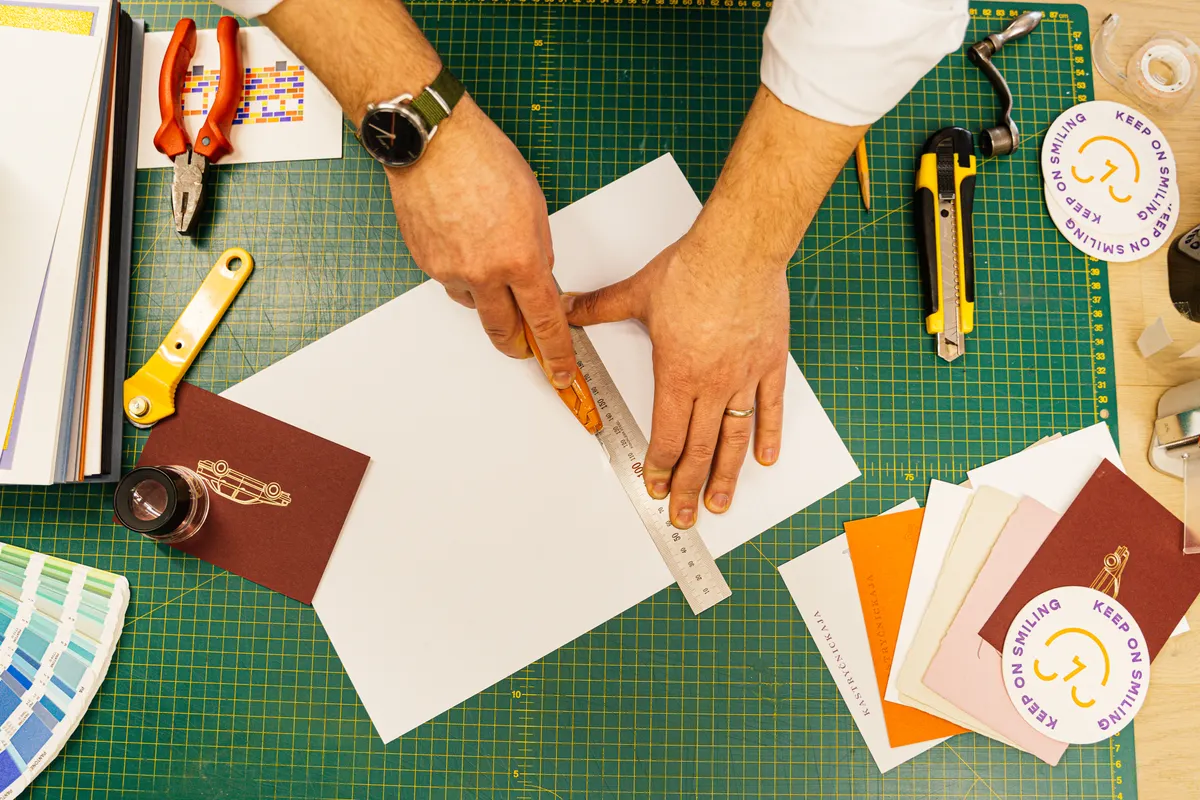
Photo Credit: Antoni Shkraba
Trimmer vs Guillotine: Quick Comparison
Here's a side by side look to help decide which tool fits your next project best.
|
Feature |
Paper Trimmer |
Guillotine Cutter |
|
Best for |
Single sheets, everyday crafting |
Multiple stacked sheets |
|
Portability |
Compact, easy to store |
Bulkier, less portable |
|
Precision on single cuts |
Very high |
Good, but paper can shift |
|
Blade exposure |
Mostly guarded |
Larger exposed blade during use |
|
Price range |
Budget to mid-range |
Mid-range to higher end |
Pro Tips and Common Mistakes to Avoid
A few patterns show up again and again with beginners choosing and using trimmers for the first time.
- Using a dull blade for too long. This is the most common reason for torn or ragged edges, and swapping in a fresh blade is an easy, inexpensive fix.
- Not squaring the paper before cutting. Skipping this step almost always leads to a crooked final cut, even on a well calibrated trimmer.
- Forcing thick cardstock through a light duty trimmer. Personal desktop trimmers aren't built for heavy stock, and forcing it through can bend the blade or damage the track.
- Leaving the blade guard open when not in use. This is an easy habit to build early, especially in shared workspaces or homes with kids.
- Cutting without checking the ruler guide first. Eyeballing paper placement instead of using the built in guide is one of the fastest ways to end up with an inaccurate cut.
Frequently Asked Questions
What is the difference between a paper trimmer and a guillotine cutter? A paper trimmer uses a small blade that glides along a track, while a guillotine uses a hinged arm with a long blade that swings down in one motion. Trimmers suit single sheet precision work, while guillotines handle stacked sheets more efficiently.
Which is more accurate for straight cuts? For single sheets, a rotary or cartridge style trimmer generally gives the most accurate, repeatable cuts thanks to its guided track. Guillotines are excellent for cutting multiple stacked sheets evenly in one motion.
Is a paper trimmer safer than a craft knife? Generally yes, since the blade stays mostly guarded within the track compared to a craft knife's fully exposed blade. Trimmers still require care, especially keeping fingers clear of the blade path during use.
What is a rotary paper trimmer used for? A rotary trimmer is used for everyday paper crafting tasks like trimming cardstock to size, cutting straight strips, and squaring up photos or patterned paper. Its compact design and interchangeable blades make it a versatile choice for most projects.
How do you get clean, square cuts with a paper trimmer? Line the paper up against the built in guide, hold it flat, and use one smooth continuous stroke rather than stopping partway through. Checking blade sharpness and squaring the starting edge first also makes a noticeable difference in cut quality.
Choosing the Right Trimmer for Your Next Project
Picking between paper trimmers and guillotines really comes down to what you cut most often, single sheets for everyday card making, or stacks of paper for batch projects. Once you understand how each tool handles pressure and precision differently, choosing the right one for a given project stops being a guessing game.
Start with a rotary trimmer if you're building your first paper crafting toolkit, then add a guillotine later once bulk cutting becomes a regular part of your projects.
Want to explore more paper craft skills? Read the full paper crafts guide for techniques across every paper craft style.



Leave a Reply